Suggestion
 Lost & Found
 Call Us
 Lost And Found


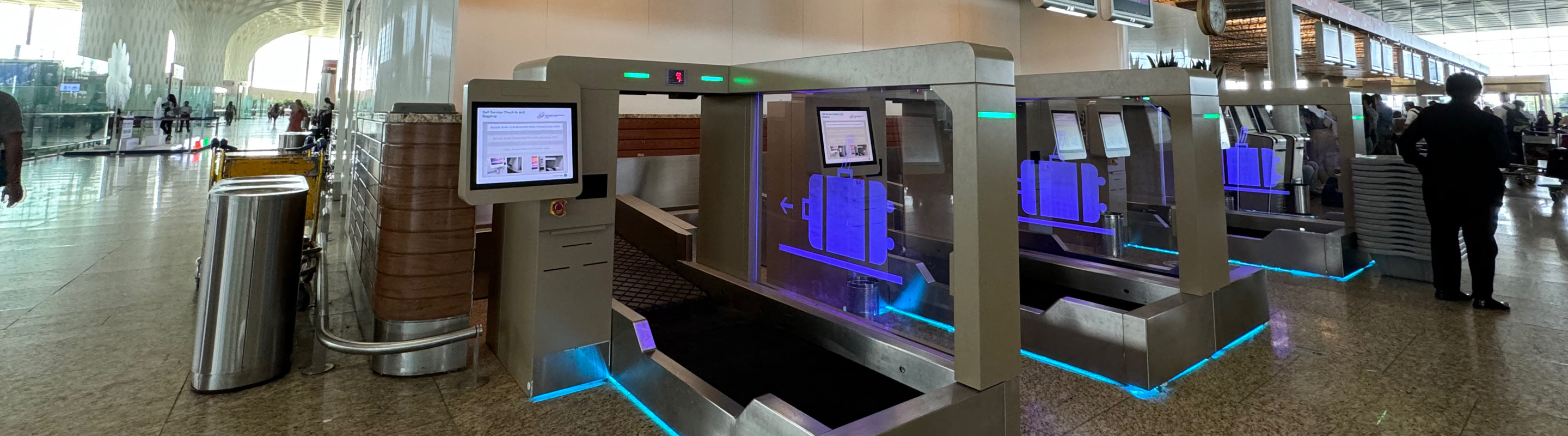
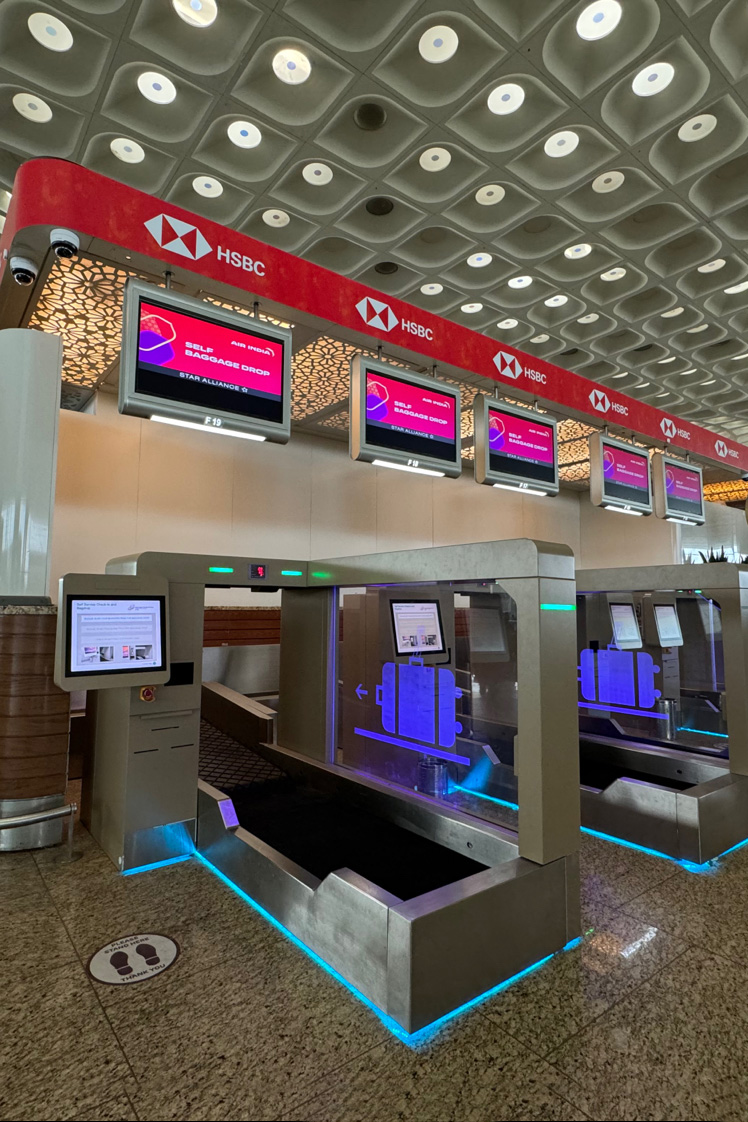

Easy Luggage Check-In for Passengers
Self-baggage Drop facilities allow passengers to check in their luggage independently through automated kiosks, reducing wait times.

How to Use Self-Baggage Drop at TIAL
The following video tutorial details steps on how to use the self-baggage drop facility at TRV. Passengers can follow a few simple steps to complete check-in quickly and easily:


Steps to Use Self-Baggage Drop
STEP 1
Print Boarding Pass & Baggage Tag
-
Use a self-check-in kiosk to print the boarding pass and baggage tag.
-
Attach the baggage tag securely to the luggage.
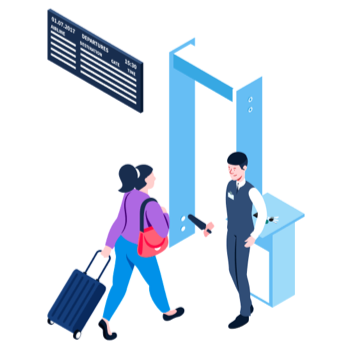
STEP 2
Proceed to the Self-Baggage Drop Area
-
Scan the boarding pass at the kiosk.
-
Confirm that the baggage does not contain prohibited or restricted items.

STEP 3
Place Baggage on the Belt
-
Once the tagged baggage is loaded, the system will automatically process and transfer it to the aircraft.
Departure
| S No. | Location |
|---|---|
| 1 | Departure Hall |
More Services
Discover additional services for an elevated travel experience




Frequently Asked Questions
What is Self-Baggage Drop?
The Self-Baggage Drop allows passengers to check in their baggage without visiting a regular check-in counter, making the process quicker and more convenient.
How does the Self-Baggage Drop process work?
Print baggage tags at a self-check-in kiosk, attach tags to luggage, and place the bags on the conveyor belt at the self-baggage drop counter for automated processing.
Are there weight or size restrictions for using the Self-Baggage Drop facility?
Yes, standard airline baggage policies apply. Passengers must ensure their luggage adheres to weight and size limits set by the airline.
Is assistance available if I face issues?
Yes, staff are available at the Self-Baggage Drop counters to assist passengers, if needed.
Can I use this service for oversized baggage?
No, oversized items such as sports equipment and musical instruments must be dropped at regular counters for special handling.
Privacy Policy
We use cookies to give you the best experience on our website. By continuing, you're agreeing to our use of cookies. For more information read our Privacy Policy or edit your preferences